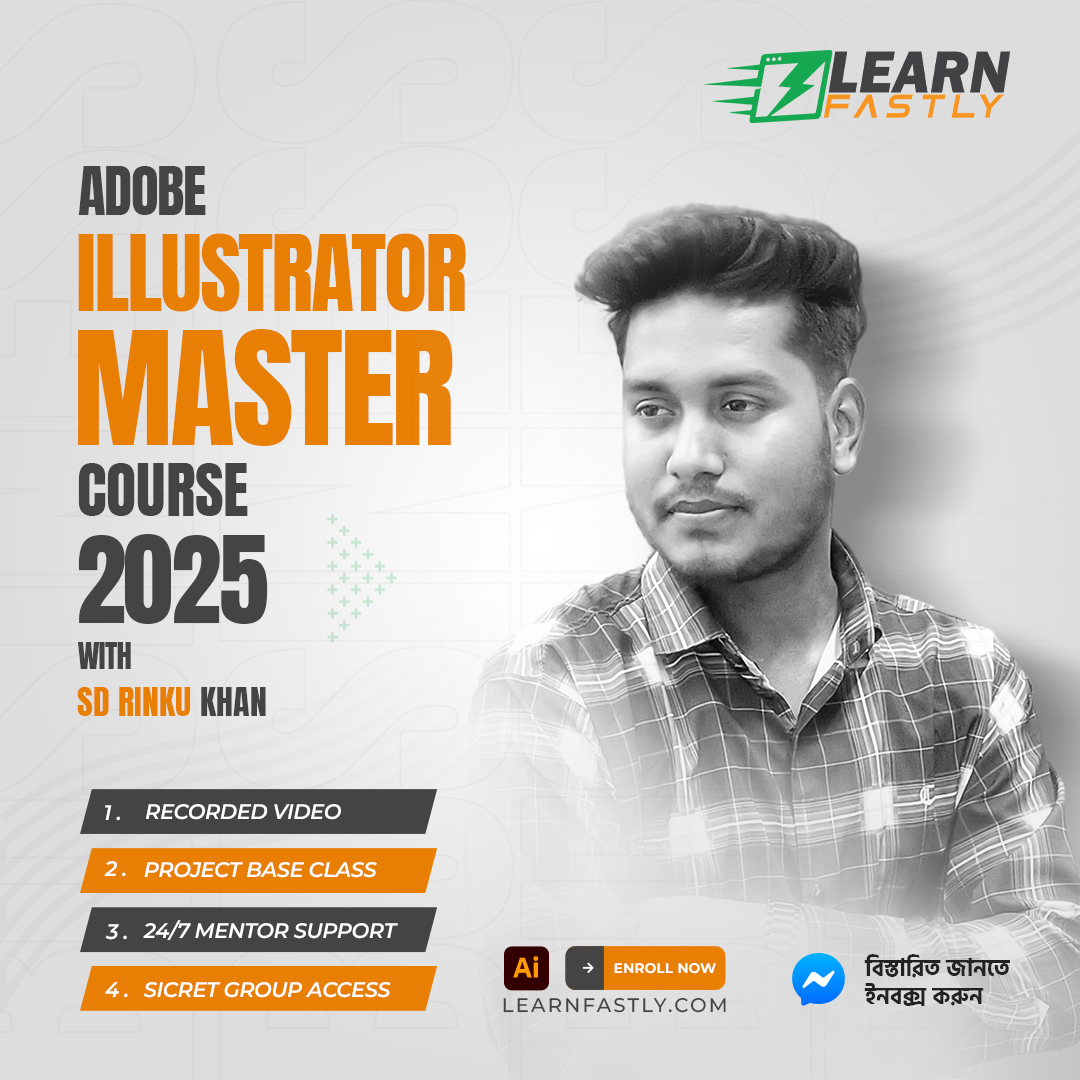
Adobe Illustrator Master Course 2025
in Graphic Design & Illustration
Created by
Toufikur Rahaman Rinku
About this course
CLASS # 01
Introducing Illustrator
• Using the Welcome Screen
• Comparison between Photoshop and Illustrator
• Introducing Vector Graphics
• Introducing Illustrator Interface, Tool bar and setting new document
• Object / Shape creation using basic shapes and pen tool
• Selection basics
• Introducing Anchor Points
• Introducing Fill and Stroke and Applying color
• Shape Builder Tool
• Object Arrangement and working with object grouping, locking and hiding
• Using Undo/Redo, Guide, Grid and Saving a Document as native format of illustrator
Home Work: Drawing Cartoon using basic shapes, Character & Flat Illustration
CLASS # 02
Fill, Stroke and Color
• An Overview of the Color Palette
• Black vs. Rich Black in the Color Palette
• Working with Swatches [Creating and saving new Color Swatches]
Gradient
• Introducing illustrator gradient and applying in object
• Using swatches for gradient
• Creating and saving new Gradient Swatches.
Transforming Object
• Introducing Object Transformations and working with scale, rotate and free transform tool
• Duplicating Objects (Ctrl + F, Ctrl + B) & Transform Again (Ctrl + D)
• Moving Objects in Increments
• Using the Offset Path Dialogue Box
You must watching Mesh Tool from Video Tutorial
Home Work: Robi Logo (1) & Wall Clock Design (3)
CLASS # 03
Using the Powerful Pen Tool
• Drawing with the Pen Tool
• Understanding Open & Close Path
• Making Use of the Join command
• Introducing Eraser, Scissors and Knife Tools
• Width, Wrap, Twril etc.
• Shear Tool
• Reshape Tool
Pathfinder Operations
• Introducing to the Shape Mode & Pathfinder Operations
• Cropping, Uniting and Arranging
• Shape Builder Tool
Stroke Palette
• An overview of Stroke and Stroke Palette
• Explanation of Stroke Cap, Stroke Join, Stroke Dash & Gap
Home Work: Google Chrome Logo, Tracing any Illustration/Image/Line Art (3),
Film Reel (1) & Bangladesh Map (1)
CLASS # 04
Working with Text
• Discussing Type Tool
• Explaining Character Palette & Paragraph Palette
• Type Menu Details
• Text Wrap
Using Transparency
• Overview on Transparency Palette
• Blend Mode
• Creating an Opacity Mask
Home Work: BD Govt. Logo (1), Circle Logo (2), & Text wrapping (2)
CLASS # 05
3D Effects
• Applying and Adjusting the Extrude and Bevel effect
• Mapping the Artwork onto the extruded object
• Applying and Adjusting the Revolve Effect
Effects and the Appearance Panel
• Using effects and appearances
• Applying effects
• Multiple fills & strokes on a path
Blends and Masks
• Creating Custom Gradients via Blending
• Customizing Blends for Specific Shapes
• Changing the Shape of Customized Blends
• Masking Edges with Clipping Masks
Home Work: Wine Glass (1), Bottle (1), 3D Object (any 5). 3D Film Reel (1) & 3D Logo (1)
CLASS # 06
Class Test - 02
Create a simple Logo using Pathfinder & Create a Money Receipt
• Instruction provided by Teacher
Home Work: Magazine Design (Minimum 4 Page Using Ai & PS)
CLASS # 07
Freelancing Marketplace Class: Fiverr.com
• Account Create
• GIG Research
• GIG Create
Home Work: Create Fiverr Profile and Must Create your GIG.
CLASS # 08
Freelancing Marketplace Class: Fiverr.com
• GIG Marketing Tips & Tricks
Home Work: Sharing Fiverr Profile and Send Buyer Request.
CLASS # 09
Project: LOGO DESIGN
• Discussion & Conceptualizing
• Logo Colors
• Logo Types
• Case Studies
Home Work: Completing Logo with sketch, Must attend any Logo Design Contest.
CLASS # 10
Project: GOLDEN RATIO
• Golden Ratio
• Practice Logo With Golden Ratio
Home Work: Completing Logo with sketch, Practice Logo With Golden Ratio.
CLASS # 11
Project: OFFICE STATIONARY DESIGN
• Business Card
• Letterhead
• Envelope
• ID Card
Home Work: Stationary Design with Mockup
CLASS # 12
Theory: COLOR & CONCEPT DEVELOPMENT
• Color Wheel
• Color Phychology
Home Work: Analysis color wheel and Nature color palette
CLASS # 13
Project: MARKETING MATERIAL DESIGN
• Trifold Brochure (AI & PS)
• Flyer
CLASS # 14
Project: MARKETING MATERIAL DESIGN
• Desk/Wall Calendar
• Product Packaging Design & Label Design
Home Work: Calendar & Product Packaging with Mockup
CLASS # 15
Project: PRINT PREE SETUP
• Costing
• Press Marks
Home Work: Brochure & Flyer Design with Mockup
CLASS # 16
Project: PORTFOLIO
• Behance
• Dribbble
Home Work: Sign up an account and Upload your Portfolio projects.
CLASS # 17
Project: POD & Stationery
• T-Shirt Design
• Invoice design
Home Work: T-Shirt & Mug Design (Presentation with Mockup)
CLASS # 18
Freelancing Marketplace Class
• Upwork / 99 Design
• Account create & Update Profile
Home Work: Create Account, update & submit your work.
CLASS # 19
EXAM & PRESENTATION
• Submit Brand Identity design before exam
• Demonstration of your submitted project in class
• Viva
"Unity is strength.
When there is teamwork and collaboration,
wonderful things can be achieved."
—MaĖe Stepanek
Thank You!
Comments (0)
Class 1
1 Parts
About Tools
147.63 MB
Class 2
1 Parts
Introduction to Tools
133.49 MB

0
0 Reviews